BlueCross BlueShield internet requirements for work-from-home jobs
Sourced from BlueCross BlueShield's published postings and policies · Verified 2026-09-19
Does your address qualify for BlueCross BlueShield?
We check the real network at your exact address — not a coverage map — and tell you straight either way.
BlueCross BlueShield of Tennessee is one of the largest Blue Cross Blue Shield licensees, with the majority of its workforce remote across 32 states. Its own careers FAQ publishes a real but unusually low bar: a recommended 4 Mbps down, higher for video calls — lower than almost any other employer on this site, and stated as a recommendation rather than a hard requirement.
What BlueCross BlueShield actually says
“What type of internet connection will I need to work remotely? The recommended download speed is 4 MBPS, and the recommended upload speed is 2 MBPS. Group/gallery video calls require more bandwidth, and it is recommended to have internet speeds of 5 MBPS download and 3 MBPS upload dedicated to business use and not competing with other household devices.”— BCBST Careers — official FAQ (careers.bcbst.com) · source
This is a genuinely different case from most employers on this site: BCBST's own careers FAQ calls its numbers a recommendation, not a requirement, and does not mention Wi-Fi, satellite, or hotspots at all — the lowest, least specific published bar on the site, likely because non-call-center remote roles make up a large share of its workforce. "Blue Cross Blue Shield" covers 34 independent regional licensees nationwide; this page reflects Tennessee's publicly stated policy specifically, and other Blue plans (Anthem/Elevance, already covered separately on this site, and others) may set different rules for their own remote roles.
What passes for BlueCross BlueShield
A wired connection — fiber, cable, or DSL — with an Ethernet cable from your computer to the router. Fiber is the strongest fit: upload speed matches download, latency stays low and consistent, and weather doesn't affect it.
If you're on satellite, a cellular hotspot, or 5G home internet, no speed test will get you past BlueCross BlueShield's rule — the connection type is what's being checked. The fix is a wired line, installed with the Ethernet connection in the room where you'll work.
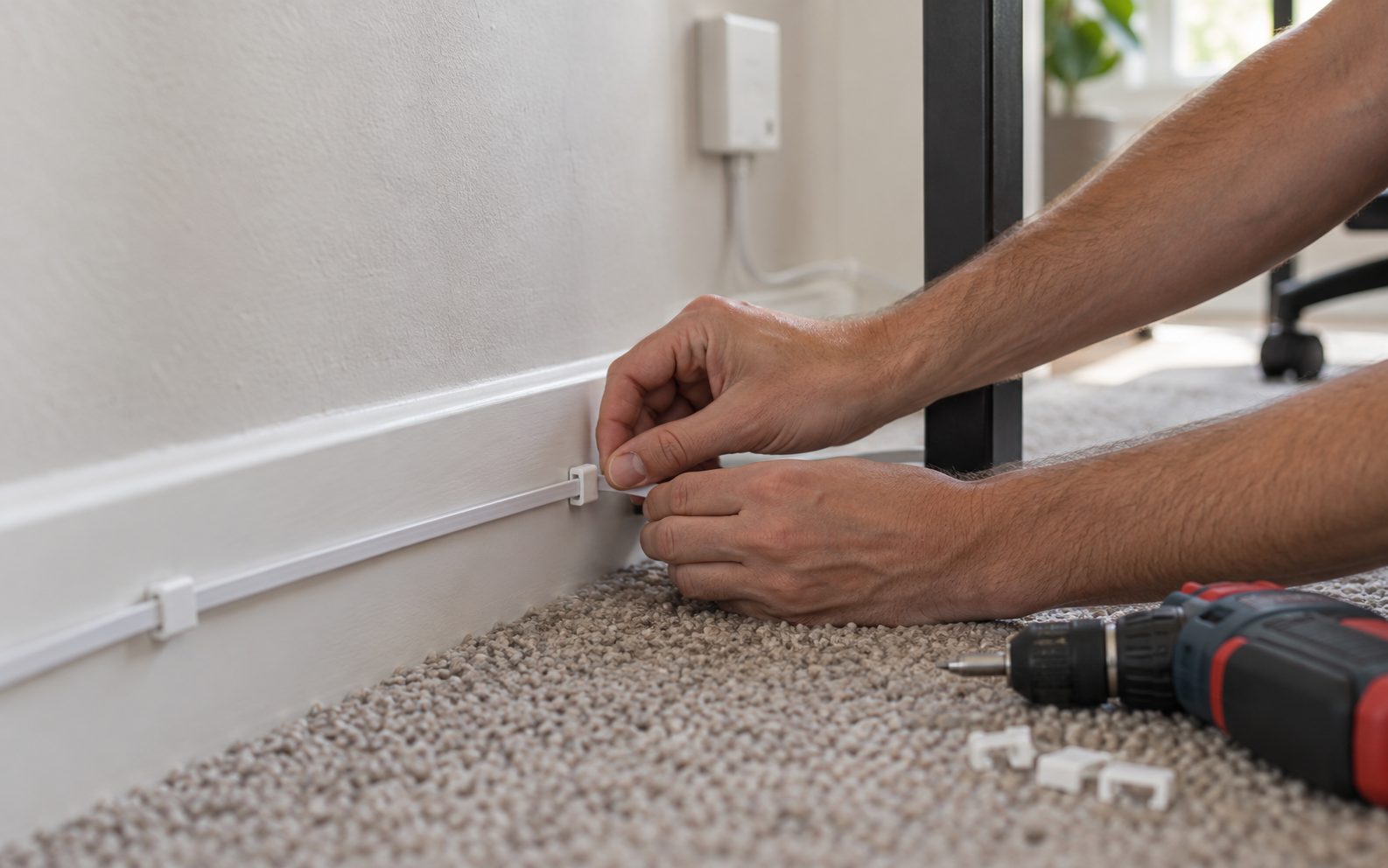
Before your BlueCross BlueShield tech check
- Confirm a wired provider reaches your address.
- Run Ethernet to your workspace — not just to the router's room.
- Turn off Wi-Fi and any VPN on the work computer.
- Run a speed test on the wired line (target: at least 4 Mbps (5 Mbps for video calls) down / 2 Mbps (3 Mbps for video calls) up) and screenshot it.
Full checklist: How to pass a work-from-home tech check →
Requirements are set by BlueCross BlueShield and can change without notice. This page reflects published postings and policies as of 2026-09-19. Always confirm against the specific job listing you're applying to.
BlueCross BlueShield internet questions, answered
BlueCross BlueShield permits Wi-Fi on some programs, but the connectivity scan during onboarding is run on a wired connection. Plan for Ethernet at the desk.
At least 4 Mbps (5 Mbps for video calls) download and 2 Mbps (3 Mbps for video calls) upload. The exact minimum can vary by client program, so confirm against the job listing you are applying to.
BlueCross BlueShield does not publish a blanket exclusion on satellite, but the speed and latency minimums still apply and satellite often fails the latency test.
BlueCross BlueShield does not name hotspots as prohibited, but cellular service shares tower capacity and is a common cause of a failed connectivity scan.
Other employers we track
Every one of them publishes a connectivity rule. Here's the rest.
Find out in about 30 seconds.
Free, no obligation, and a straight answer either way.
Check availability